 Chorium
Docs/Settings & Agents
Settings & Agents
Chorium runs the coding agents you already have. This page shows how to point it at them, choose a default, and set your theme.
Bring your own agents
Chorium doesn't ship an agent — it drives the ones installed on your Mac. Today it supports two:
- Claude Code — the
claudecommand. - Codex — the
codexcommand.
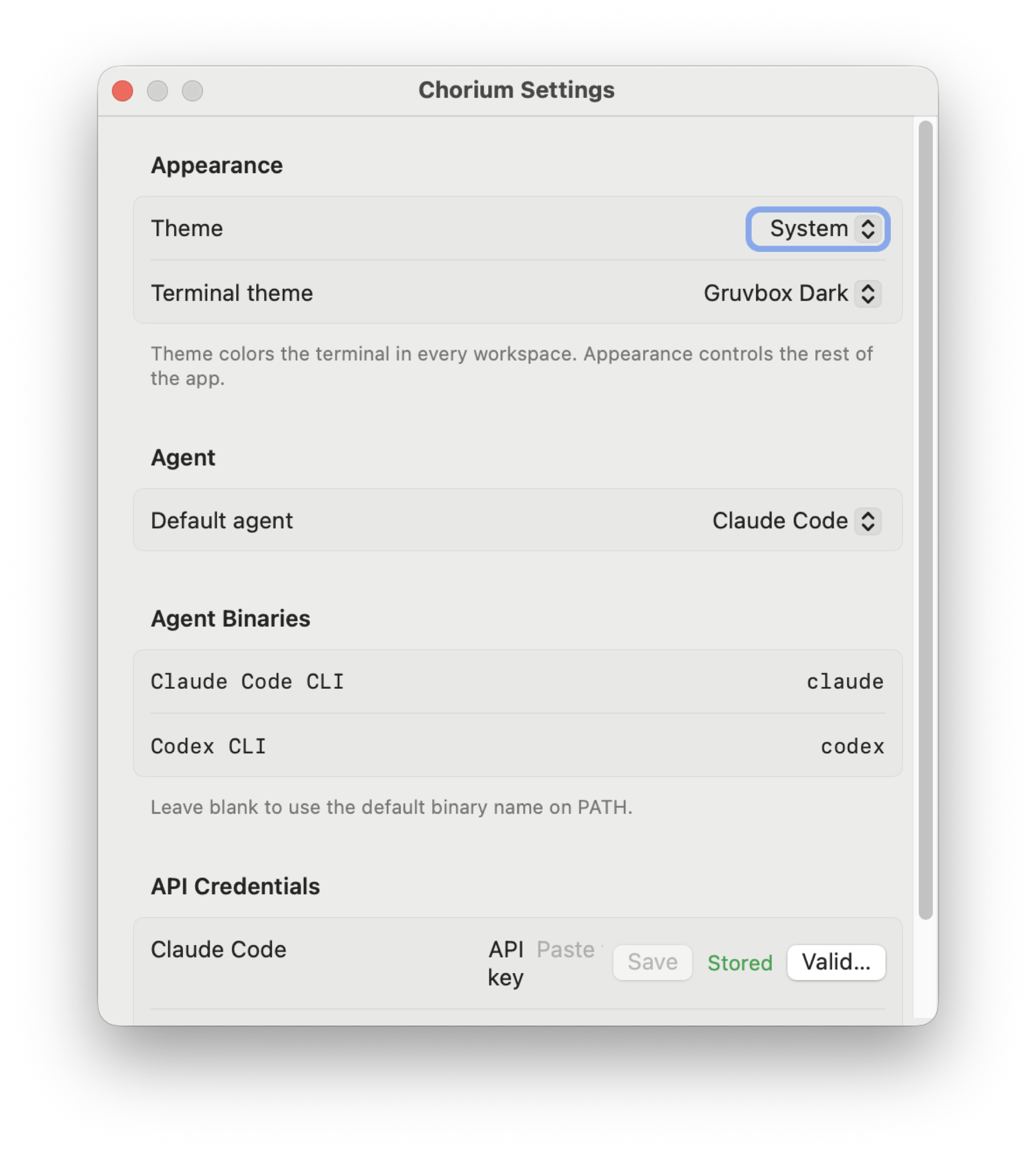
Finding your agents
Chorium looks for claude and codex on your PATH and shows what it found. If a tool is installed somewhere Chorium didn't check, set a binary override — point it at the exact path of the command, per agent. That's all it needs to run it.
Choosing which agent runs
You can set the agent at three levels, from broad to specific:
- Default agent — the app-wide choice for new workspaces.
- Per-project default — override the default for one project.
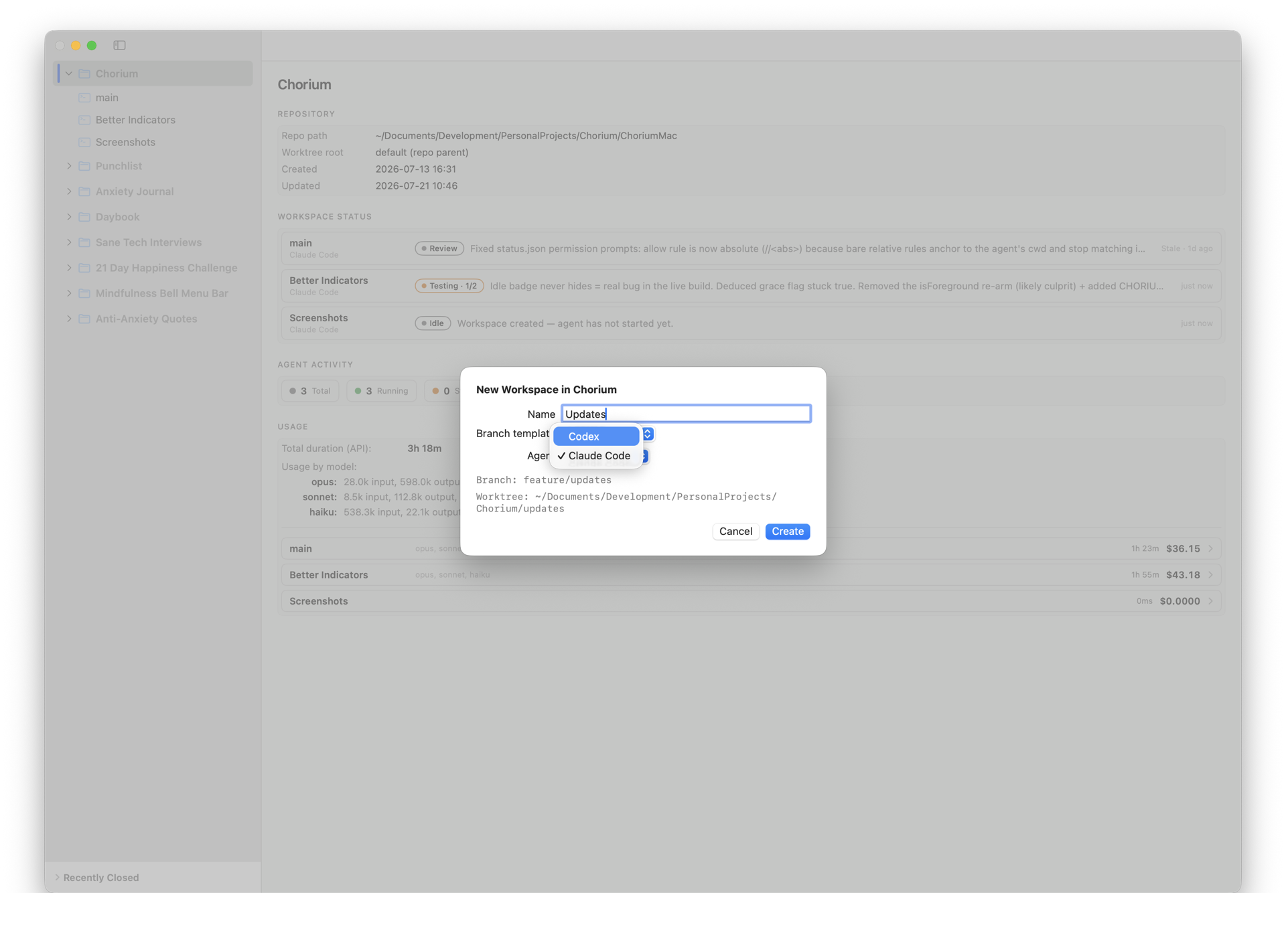
- Per-workspace — every workspace is assigned an agent when you create it, and you can change it later with Switch Agent (⇧⌘ A).
Theme
Chorium comes in three themes — System, Light, and Dark — and the choice applies to the whole app, terminals included. Toggle through them with View → Toggle Theme (⇧⌘ D), which cycles System → Light → Dark. Set it once during first-launch setup, or change it anytime.